MODREX
MOD MANAGER

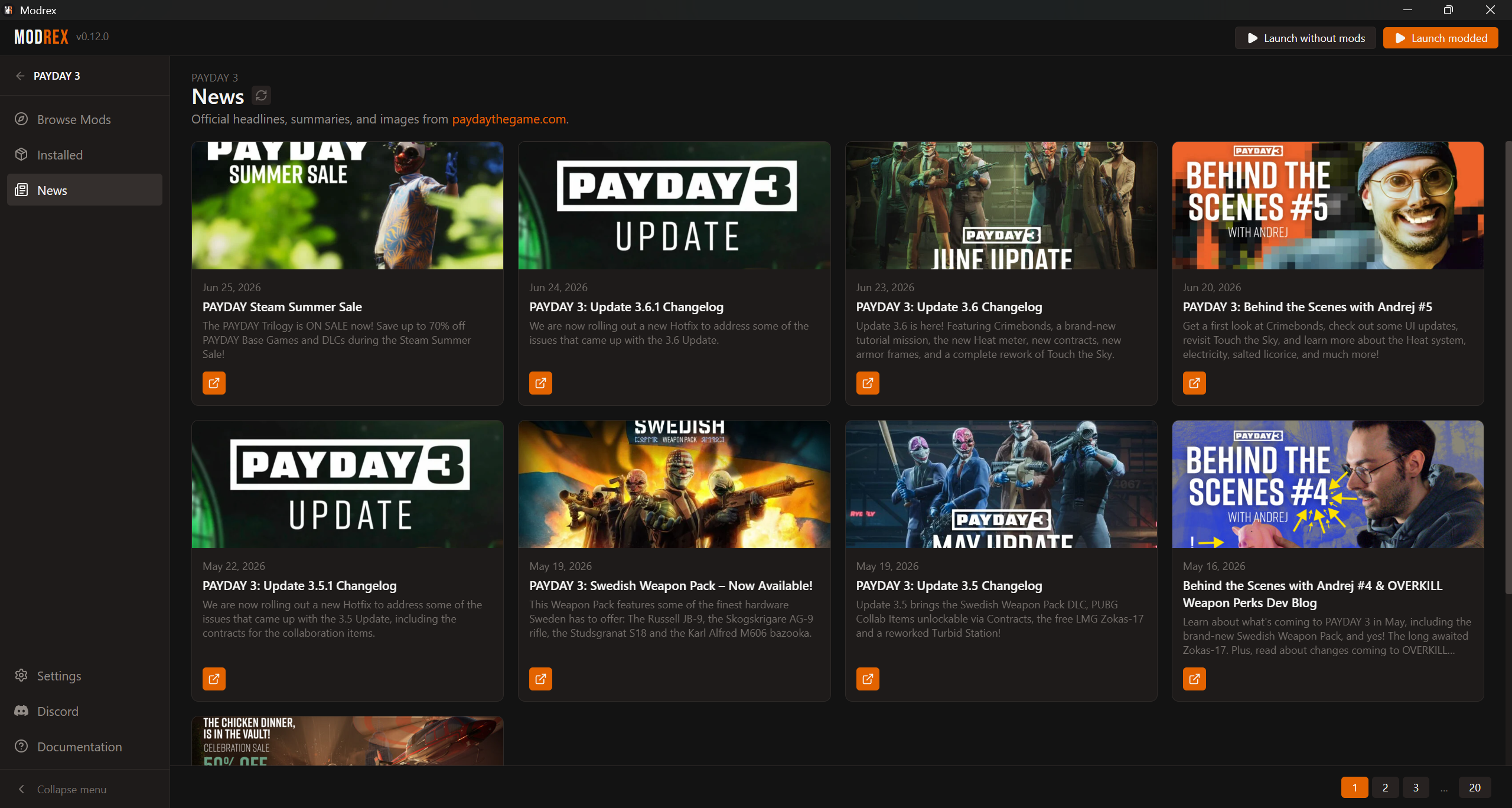
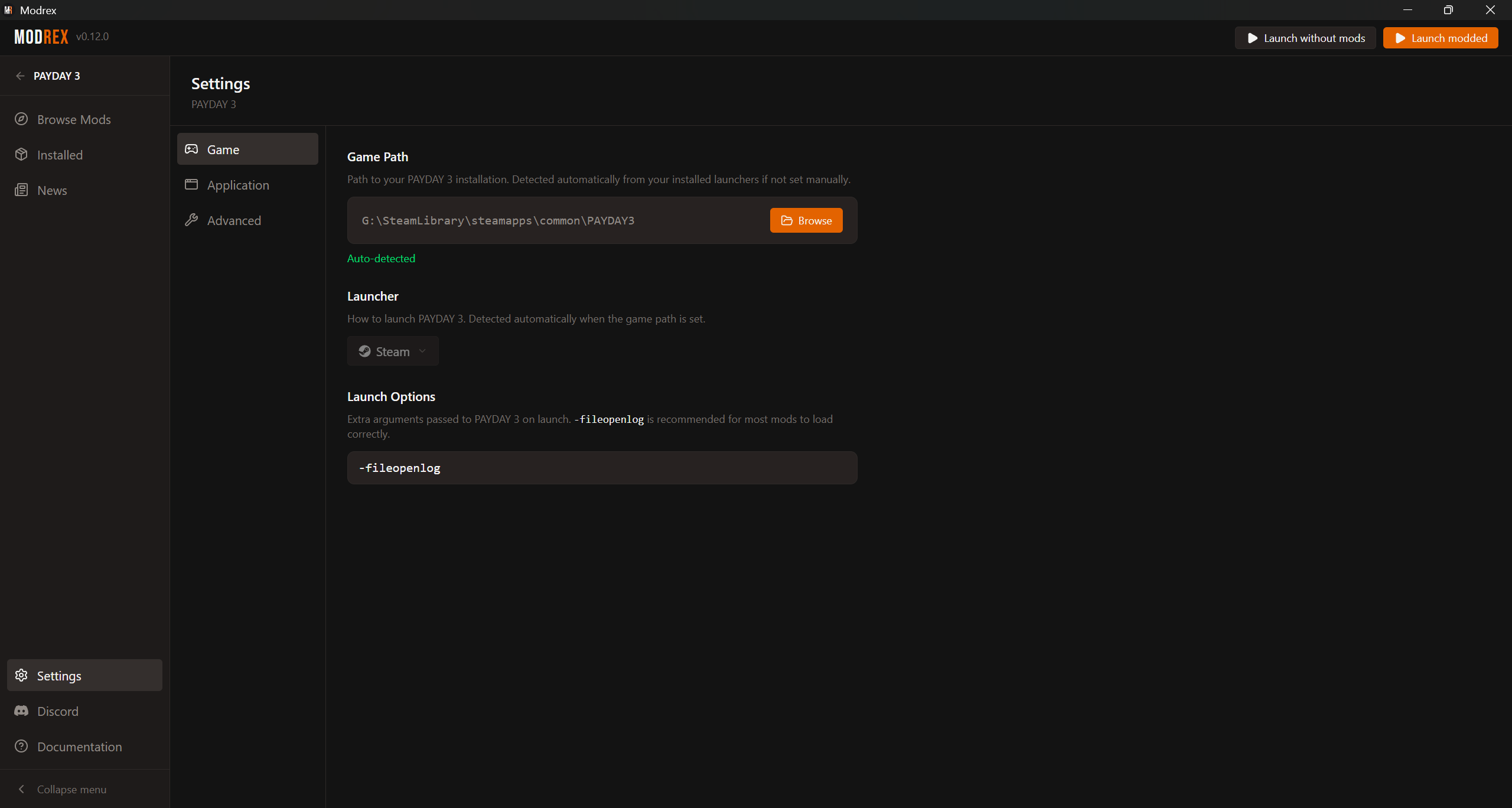
Browse, install, and organize mods from modworkshop - one click, no file juggling. Launch modded or vanilla straight from the app.

v0.12.2 Release notes

Free and open source. Powered by modworkshop

Built for mod management

Browse, install, update, and launch mods without dragging files by hand.

Recognized mods

26,059 known mods Modrex can match automatically Helps Modrex detect mods already in your game folder.

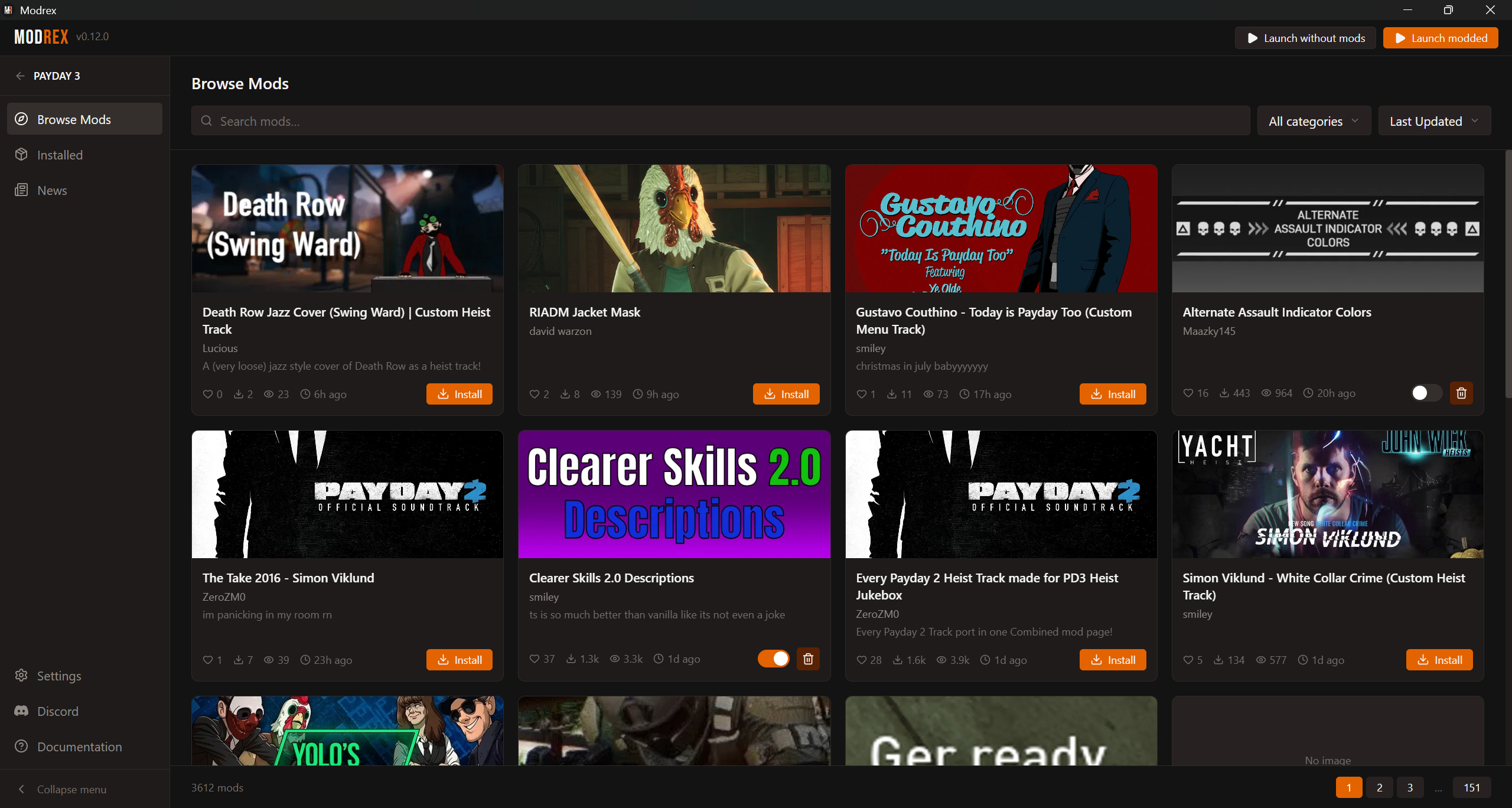
Browse modworkshop

Search supported modworkshop catalogs with categories, sorting, rich mod pages, and dependencies.

One-click install

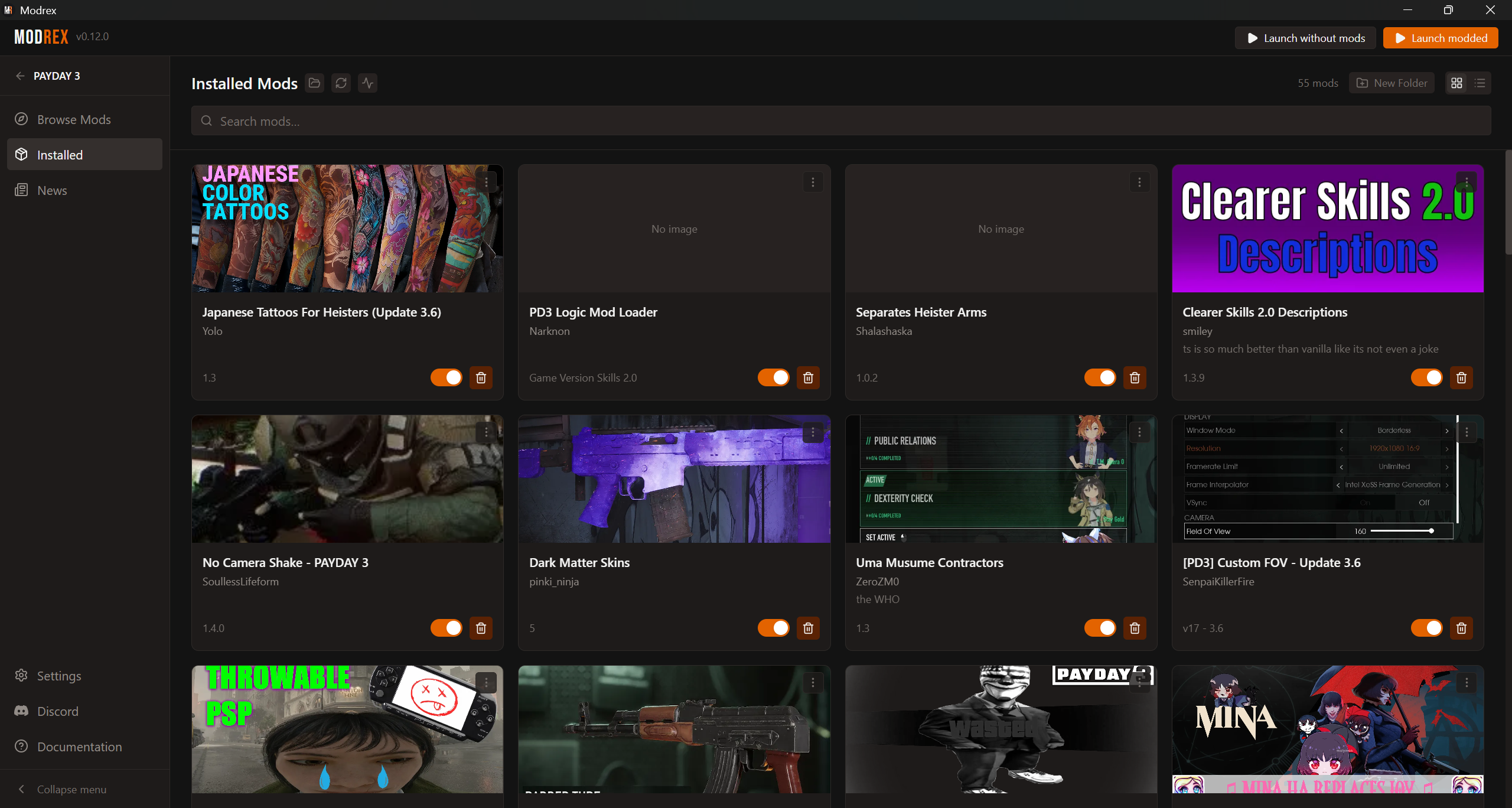
Install, enable, disable, and remove in a click. Supports .pak, .zip, .7z, and .rar, with multi-file archives grouped as one.

Organize in folders

Sort your library into nested folders of any depth, with drag-and-drop reordering that sticks.

Smart updates

Modrex detects out-of-date mods and lets you update them selectively - or all at once.

Launch your way

Boot modded or vanilla straight from the app. Vanilla launches hide your mods and restore them on exit.

Auto-detects your install

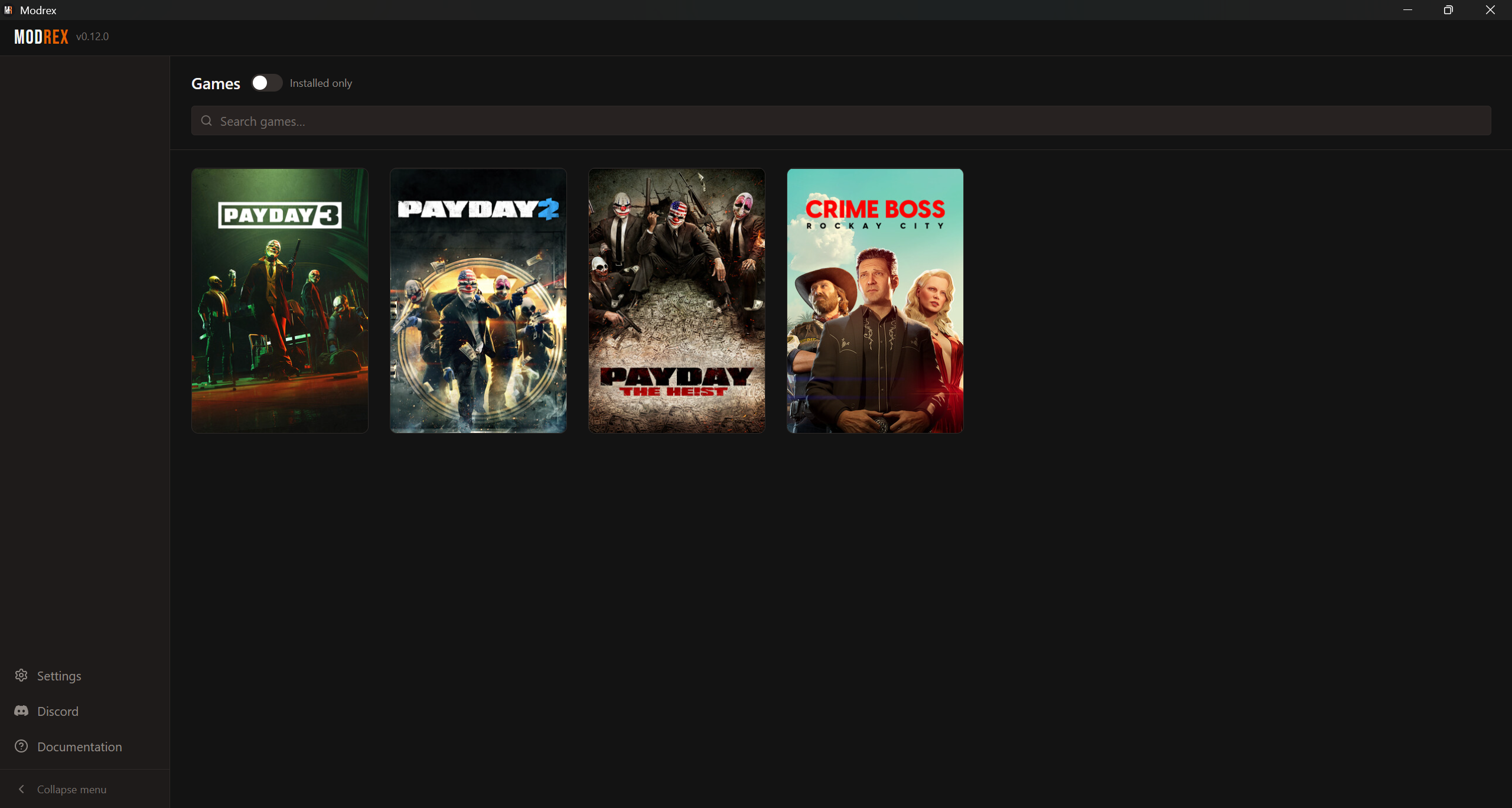
Finds supported games across their launchers and picks up mods you added outside Modrex.

Get Modrex

Download & install

Grab the latest build for your platform. Auto-updates are built in - install once and Modrex keeps itself current.

Windows

Your OS
modrex_x86_64.exe 6.2 MB Install (.exe)

Linux

Your OS
curl -fsSL https://modrex.net/install.sh | sh

Supports Steam, Epic Games & Xbox launchers on Windows. Steam on Linux. See the installation guide.

Changelog

What's new

Every update ships with plain-language release notes. Here are the most recent.

v0.12.2Latest

Changed

  • Game detection now skips store launchers that aren't installed and logs each probe, making startup hangs diagnosable from the log.

Fixed

  • Fixed the app freezing at startup ("Modrex is not responding") when game detection hit a disconnected network drive, card reader, or stuck Windows service.
  • Fixed Xbox game detection not finding games installed on drive letters beyond G:.
v0.12.1

Added

  • Added a notice when PAYDAY 2's Diesel 3.0 beta is detected, pointing to the community SuperBLT port.

Fixed

  • Fixed PAYDAY 2 not being detected after the Diesel 3.0 beta update, which renamed the game executable.
  • Fixed the app not restoring to the game picker on relaunch when it was the last active view before closing.
v0.12.0

Added

  • Added support for .pdmod.
  • Added Discord Rich Presence showing the active game on profile.
  • Added a Health Check on the Installed page, scans all mods and groups issues by category, with bulk actions to fix them:
    • Missing files
    • Broken archives
    • Outdated installs
    • Unrecognized mods
    • Missing dependencies
    • Available updates
  • Added Settings access from the Game Picker Window.
  • Added an "Outdated" badge in Manage Files for leftover duplicate files left behind when a mod's download switched between a plain file and an archive.
  • Install button on Browse Mods now shows download percentage and a progress bar while a mod is downloading.
  • Loading screen now shows how many mods have been scanned during the identification phase.
  • "Update All" button now shows progress counter during a batch update.
  • Added a per-mod options menu on installed mod cards.
  • Added a clear button to the game picker search field.
  • Missing-dependencies dialog now shows download progress on install buttons, lets you open a dependency's detail page by clicking its row, and adds an "Install all" button when multiple dependencies can be auto-installed.

Changed

  • Settings is now organized into three tabs.
  • Release artifact filenames now include an architecture suffix (modrex_x86_64.exe, modrex_x86_64.deb, modrex_x86_64.rpm, modrex_x86_64.AppImage).

Fixed

  • Fixed the missing-dependency warning not appearing when installing a mod that has multiple downloadable files.
  • Fixed updates not being detected for mods whose download switched between a plain file and an archive, which could leave an old copy installed alongside the new one.
  • Fixed Settings remembering the wrong tab when switching between the game picker's global settings and per-game settings.
  • Fixed ghost buttons and navigation tabs showing no hover feedback, making their click targets unclear.
  • Fixed Browse Mods page numbers disappearing briefly when changing the search, sort, or category filter.
  • Fixed old Browse Mods results briefly flashing when changing filters before the new page loaded.
  • Fixed download progress stopping to update when switching away from the mod detail page and back during a download.
  • Fixed updating a mod resetting it to enabled even if it was disabled before the update.
  • Fixed a mod card on Browse Mods becoming permanently frozen in a loading state after updating it from the Installed page.
  • Fixed Crime Boss mods that default to disabled in-game being impossible to enable from Modrex after the game created their settings file on first launch.
  • Fixed the Update window still prompting to pick files for multi-pak mods when the mod author renamed the archive entries between versions.

Full release history on GitHub